huashu-md-html: A Claude Code Skill for Markdown↔HTML Without the AI Slop
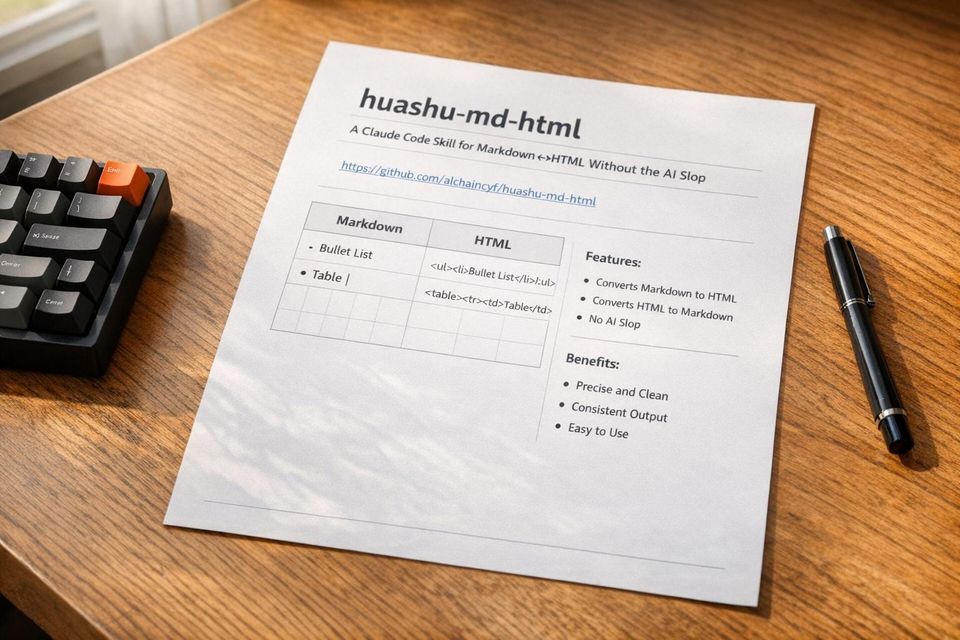
I’ve spent hours fixing Markdown that didn’t render right - tables collapsing into chaos, bullet lists that wouldn’t parse, and HTML fragments popping up where they shouldn’t. The problem gets worse when AI-generated Markdown enters the mix. It’s not just annoying; it’s a time sink.
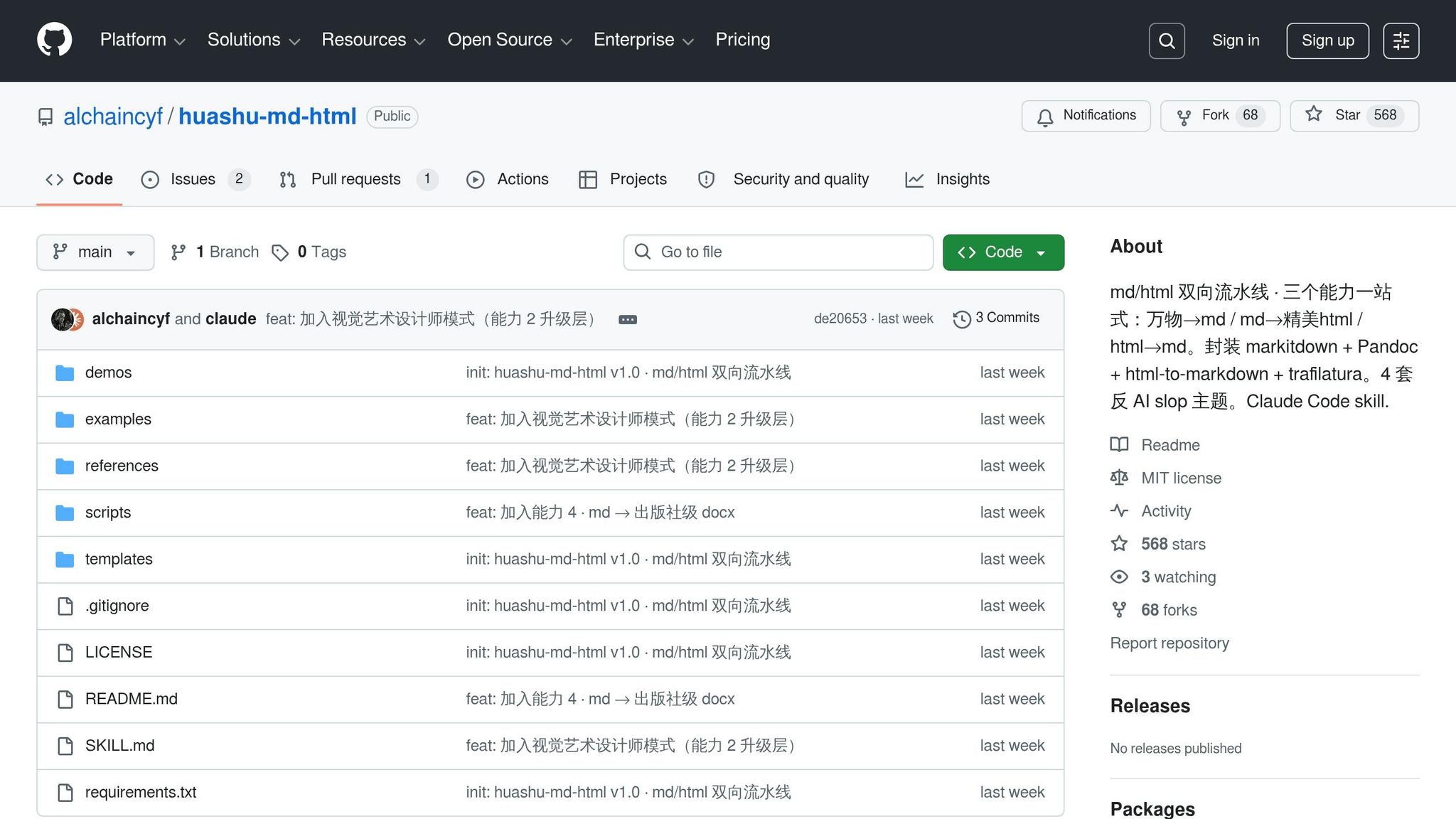
That’s why I was intrigued by huashu-md-html, a tool designed to cleanly convert Markdown into HTML and DOCX without the usual headaches. Its GitHub repo boasts 568 stars as of May 2026, and the pitch is clear: no sloppy AI aesthetics, no silent failures. The tool promises precision where other converters stumble, especially with edge cases like nested tables or non-standard list markers.
This post walks through what huashu-md-html does, how it handles Markdown↔HTML workflows, and whether it’s worth adding to your setup. If you’ve ever spent 10 minutes fixing a broken table, this might save you hours.
The Problem huashu-md-html Solves
Common Problems in Markdown↔HTML Conversions
Markdown-to-HTML conversion often falters at the edges, particularly when dealing with AI-generated Markdown. While standard parsers handle spec-compliant Markdown without issue, non-standard markers like colons (:) or bullets (•) instead of asterisks (*) can cause lists to fail silently, leaving them unrendered. Tables are another weak spot: pipe characters (|) in Markdown can be misinterpreted as shell operators in environments like Claude Code, leading to syntax errors during execution.
HTML-to-Markdown has its own set of headaches. Certain HTML elements, such as <form> or <iframe>, lack direct Markdown equivalents, leaving them stripped out or converted into raw HTML fragments. <br> tags often turn into two trailing spaces, which are invisible in many editors but cause problems in version control systems. Attributes like colspan and rowspan vanish entirely, further complicating table rendering. These issues demand a solution that can handle such edge cases effectively.
How huashu-md-html Avoids Unwanted AI Output
huashu-md-html addresses these challenges by drawing a strict line between source code and output. Markdown is treated as the definitive source, while HTML and DOCX are regarded as compiled outputs. This separation ensures that conversions don’t inadvertently introduce errors or editorial changes. The tool relies on trusted converters like pandoc for Markdown-to-HTML and markitdown for multi-format output, both known for their predictable and reliable behavior.
To maintain a polished appearance, huashu-md-html enforces rigorous design rules encoded into its themes. These rules prevent deviations into generic, SaaS-like aesthetics and ensure the output meets professional publishing standards. By combining robust converters with strict design guidelines, the tool effectively addresses the conversion pitfalls described earlier.
Why This Matters for Developers and Content Creators
These conversion quirks aren’t just minor annoyances - they can cost significant time. Fixing AI-generated Markdown errors typically takes 3–10 minutes per instance. When scaling up to workflows involving dozens of pages, the cumulative time loss can be substantial. Silent failures make matters worse: a table that looks fine in a Markdown editor might render as a jumble of pipe characters in Google Docs, or a code block could fail to parse due to nested fence sequences.
The stakes are even higher in publishing workflows. For example, in May 2026, developer Huasheng used huashu-md-html to generate a 158-page manuscript for publisher review. The tool processed Markdown source files in a single command, handling everything from chapter headers to callout blocks without requiring manual adjustments. This example highlights the tool’s primary value: it delivers reliable, high-quality output that aligns with its principles of precision and efficiency, saving both time and effort for developers and content creators alike.
Setting Up huashu-md-html
Prerequisites for Claude Code and Markdown Skills
Before diving in, ensure you have two key dependencies: Python 3 and Pandoc. Pandoc is essential for converting Markdown to HTML. If you're on macOS, you can install it with:
brew install pandoc
Make sure to use python3 -m pip install to avoid any issues with installing packages into the wrong Python environment.
Although this tool is primarily designed as a Claude Code skill, it also works with Cursor, Codex, OpenClaw, and Hermes. You don’t need to pin a specific version of Claude Code, but you do need npx available. This means Node.js must be installed and accessible in your system path.
Once these prerequisites are confirmed, you’re ready to install huashu-md-html.
Installing huashu-md-html from GitHub
The installation process is straightforward. Run the following command:
npx skills add alchaincyf/huashu-md-html
This will add the skill to your local agent environment. Afterward, install the Python dependencies listed in the repository's requirements.txt file:
python3 -m pip install -r requirements.txt
Here’s a quick breakdown of the dependencies:
| Dependency | Purpose | Install Command |
|---|---|---|
pandoc |
Converts Markdown to HTML | brew install pandoc (macOS) |
markitdown[all] |
Converts formats like PDF and DOCX to Markdown | python3 -m pip install 'markitdown[all]' |
html-to-markdown |
Rust-backed tool for HTML-to-Markdown conversion | python3 -m pip install html-to-markdown |
trafilatura |
Strips boilerplate when extracting from URLs | python3 -m pip install trafilatura |
python-docx + Pillow |
Adds DOCX output with image support | python3 -m pip install python-docx Pillow |
The tool includes a built-in diagnostic script that runs at startup. If any dependencies are missing, it will flag them and provide the exact installation command, saving you the hassle of deciphering cryptic error messages.
Testing the Installation with a Sample Conversion
Once installed, test the setup with a simple Markdown-to-HTML conversion.
Place a .md file in your working directory and instruct Claude Code: "Convert this MD to a beautiful HTML using the article theme." The skill will automatically call the scripts/md_to_html.py script and generate a styled, self-contained HTML file.
For manual testing or debugging, run the script directly:
python3 scripts/md_to_html.py example.md --theme article -o output.html
The resulting HTML file will feature Tufte-inspired typography. If the output doesn’t match the expected style, it likely indicates a theme resolution issue. A correctly styled render confirms the installation and pipeline are functioning as intended.
Using pandoc to convert Markdown to HTML
Using huashu-md-html for Markdown↔HTML Workflows
` - to their corresponding Markdown structures. Most discrepancies arise from edge cases, not standard tags.
The process is straightforward: write in Markdown, convert it to themed HTML, and then re-import it using html_to_md.py. The Markdown output should closely match the original source. If you notice differences - particularly with tables or nested lists - it could be due to inline styles or non-semantic markup in the published HTML.
"md 是源代码,html / docx 是产物。" (Markdown is the source code; HTML/DOCX are the products.) - alchaincyf, Lead Developer
This philosophy treats Markdown as the primary source and HTML as a secondary output, ensuring consistency and reliability in round-trip conversions.
Adding huashu-md-html to Your Development Workflow
Pairing huashu-md-html with Other Huashu Tools
The huashu-md-html tool fits neatly into a broader ecosystem designed to handle everything from data ingestion to final content delivery. Here's how the Huashu tools align across the workflow:
| Workflow Stage | Tool/Script | Outcome |
|---|---|---|
| Ingestion | any_to_md.py |
Converts PDFs, PPTX files, or URLs into clean Markdown |
| Visual Enhancement | huashu-design |
Creates promotional animations or prototypes for embedding in documents |
| Web Publishing | md_to_html.py |
Generates themed HTML outputs (Article, Report, Reading, Interactive) |
| Print/Offline | markdown-to-pdf |
Produces high-quality PDFs with syntax highlighting |
| Professional Submission | md_to_docx.py |
Creates publisher-grade DOCX files with covers and table of contents |
One noteworthy example comes from May 2026, when alchaincyf used huashu-design alongside the Markdown pipeline to produce a promotional video for their project. The result was a 20-second MP4 animation built directly from design tokens, showcasing a "Kenya Hara" minimalist style paired with "Pentagram" information architecture.
Automating Repetitive Conversion Tasks
Once you've set up huashu-md-html, it’s straightforward to integrate it into automated workflows for repetitive tasks. The /scripts directory is the key to unlocking these efficiencies. For instance, converting a PDF into a web report or processing multiple Markdown files into a single output can be achieved with this command chain:
python3 scripts/any_to_md.py input.pdf -o draft.md
python3 scripts/md_to_html.py draft.md --theme report -o output.html
# Batch process an entire directory of chapter files into a single DOCX
python3 scripts/md_to_docx.py ch*.md
For teams looking to streamline further, you can pair these tools with a file watcher like entr on macOS/Linux. This setup ensures that md_to_html.py runs automatically whenever a file is saved, eliminating the need for manual execution.
Use Case: Documentation and Blog Publishing
The Huashu pipeline is built to handle large-scale publishing tasks. For example, md_to_docx.py can transform multiple Markdown files - covering chapters, appendices, and embedded images - into a publisher-ready manuscript. The output adheres to the "Big 32-mo" specification (176×240 mm, approximately 6.93×9.45 inches) with features like orange-themed chapter headers and JetBrains Mono for code blocks.
When it comes to blog publishing, theme selection is crucial. Different themes cater to specific content types:
article: Ideal for essays and long-form pieces, featuring Tufte-style margin notes and Pentagram-inspired typography.reading: Best for minimalist, single-column posts.interactive: Perfect for technical tutorials, offering a folding sidebar table of contents.
Verdict: Is huashu-md-html Worth Installing?
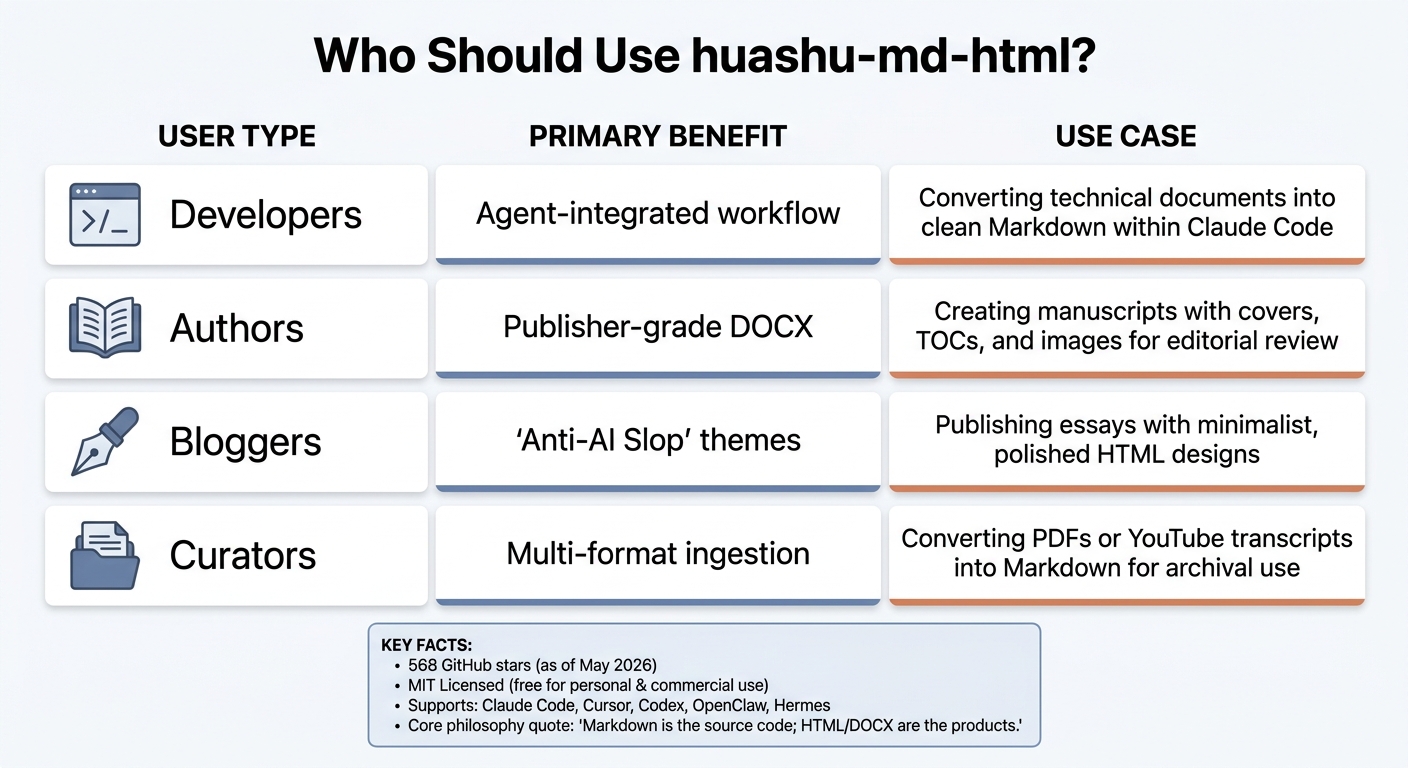
huashu-md-html: Who Should Use It & Key Benefits
huashu-md-html handles Markdown-to-HTML conversion (and vice versa) with precision, focusing on clean typography. It includes multiple HTML themes for different content needs and can generate DOCX files that meet publisher standards, complete with automated covers, tables of contents, and consistent page formatting. As of May 14, 2026, it’s MIT-licensed, meaning it’s free to use for both personal and commercial projects. That said, these features come after navigating some initial setup challenges.
Getting started can be a bit of a headache - especially for macOS users or those seeking an OpenClaude-Portable setup. Dependency conflicts, such as issues between pip and python3, may require troubleshooting. Fortunately, the built-in self-check script can help smooth out the process. Once you’ve worked through setup, the tool functions reliably.
If you’re using Claude Code and the skill doesn’t auto-trigger, you’ll need to be explicit: “Use huashu-md-html to convert this.”
Who Should Use huashu-md-html?
Based on earlier tests, here’s a breakdown of who benefits most from this tool:
| User Type | Primary Benefit | Use Case |
|---|---|---|
| Developers | Agent-integrated workflow | Converting technical documents into clean Markdown within Claude Code |
| Authors | Publisher-grade DOCX | Creating manuscripts with covers, TOCs, and images for editorial review |
| Bloggers | "Anti-AI Slop" themes | Publishing essays with minimalist, polished HTML designs |
| Curators | Multi-format ingestion | Converting PDFs or YouTube transcripts into Markdown for archival use |
If Markdown is central to your workflow - whether for web publishing or preparing editorial materials - this tool can be a practical addition. However, if you’re not comfortable working in the terminal or don’t use tools like Claude Code, Synthetic.new, or Cursor, the setup process might feel like more effort than it’s worth for occasional use.
Final Thoughts on Setup and Workflow Benefits
The creator’s philosophy captures the essence of this tool perfectly:
"Markdown is the source code; HTML/DOCX are the products." - alchaincyf
FAQs
How accurate is the Markdown↔HTML round-trip?
Tools like huashu-md-html excel at converting Markdown to HTML and back with impressive accuracy. This tool supports the full range of Markdown features while producing clean, well-styled HTML with very few errors. For those who need consistent two-way transformations, bidirectional converters like html-md-converter are worth considering. They ensure reliable and precise round-trips, making them a solid choice for streamlined workflows.
What do I need installed before using it?
To get started with the huashu-md-html tool, you’ll need to install the skill via npm. Run the following command:
npx skills add alchaincyf/huashu-md-html
Make sure you have Node.js installed, as this tool relies on npm to function. No other dependencies or installations are specified, so you should be ready to dive in after completing this step.
Which HTML theme should I choose?
The article stops short of endorsing a single HTML theme. Instead, it presents four pre-designed themes that have been vetted for their quality and aesthetic appeal. These themes steer clear of pitfalls like overly flashy gradients, unnecessary emojis, or clashing color schemes, delivering polished and professional designs.
Related Blog Posts
- 10 Best AI Code Assistants for Developers in 2026
- OpenAPI Spec Generation: AI Tools
- html-anything: The Agentic HTML Editor That Skips API Keys and Uses Your Claude Code Login - https://github.com/nexu-io/html-anything
- native-feel-skill: A Claude Agent Skill Distilled From Reverse-Engineering Raycast - https://github.com/yetone/native-feel-skill
Member discussion